
Official Download — 100% Free
Insta Pro
Download APK Latest Version
Download Now
Security Verified
 CM Security
 Lookout
 McAfee
Before you install Insta Pro, download the APK only from instapro-apk.pro.in. Scan the file with your trusted security app, then install with confidence. We support careful checks so you can use Insta Pro with peace of mind.
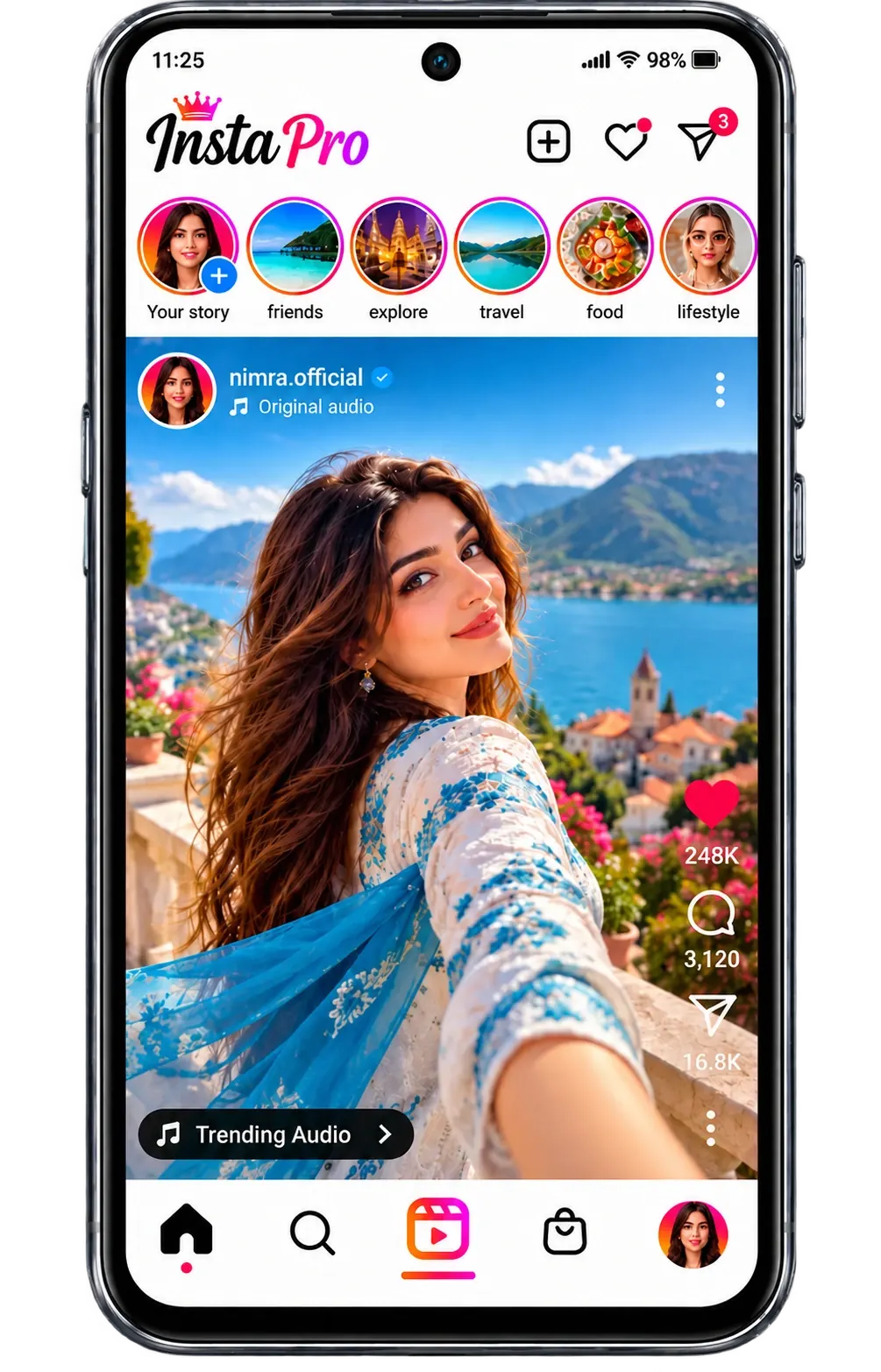
Insta Pro ♕
Insta pro is a mode version of the official Instagram application. Instapro app offers some extra and useful features other than original instagram. It offers some extra privacy features and app customization options. The app is more control oriented that lets users have more control over the app. The app has a simple and easy to use interface. It provides a smooth app experience on all devices.
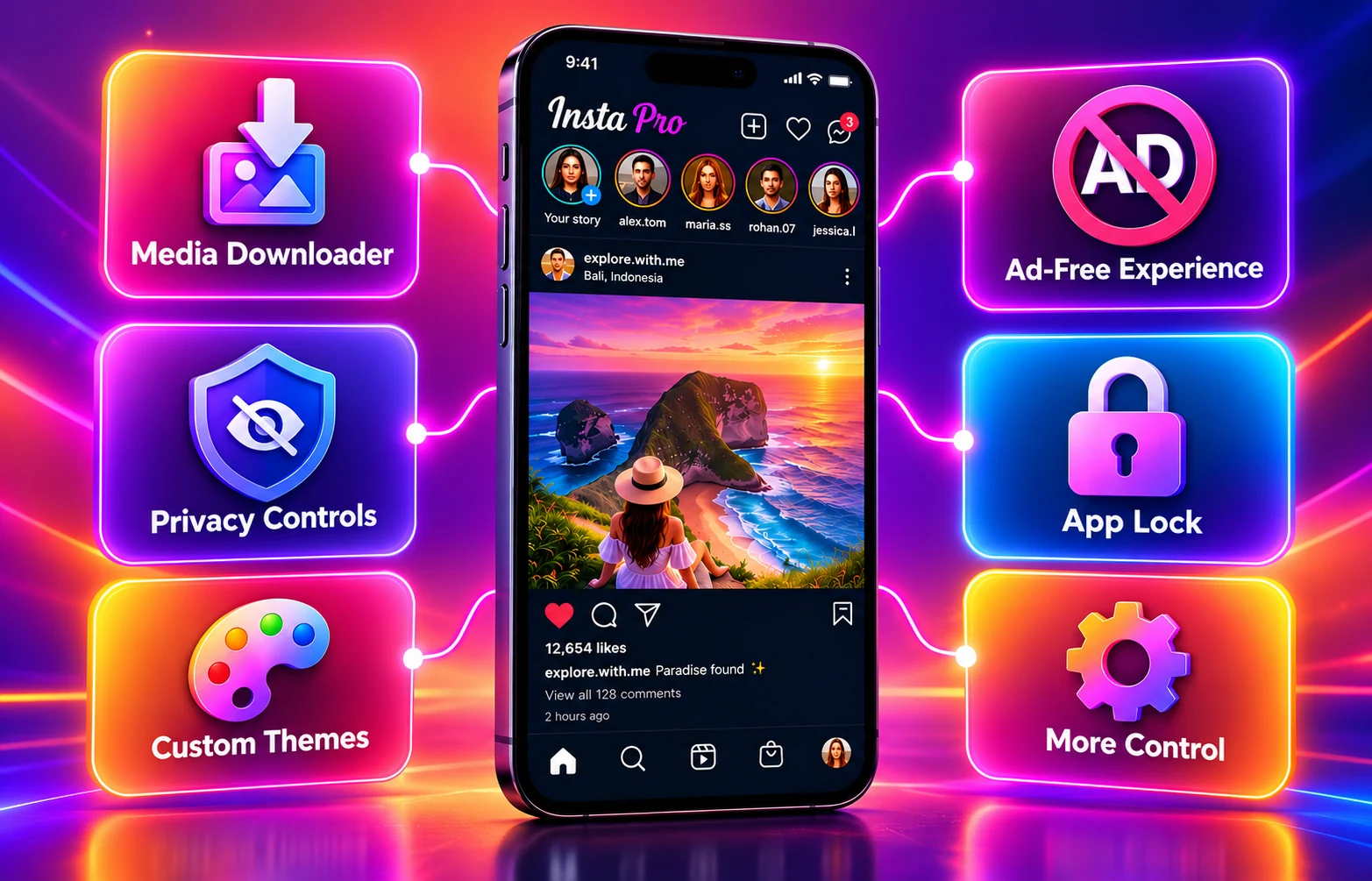
Features Of Insta Pro ♕





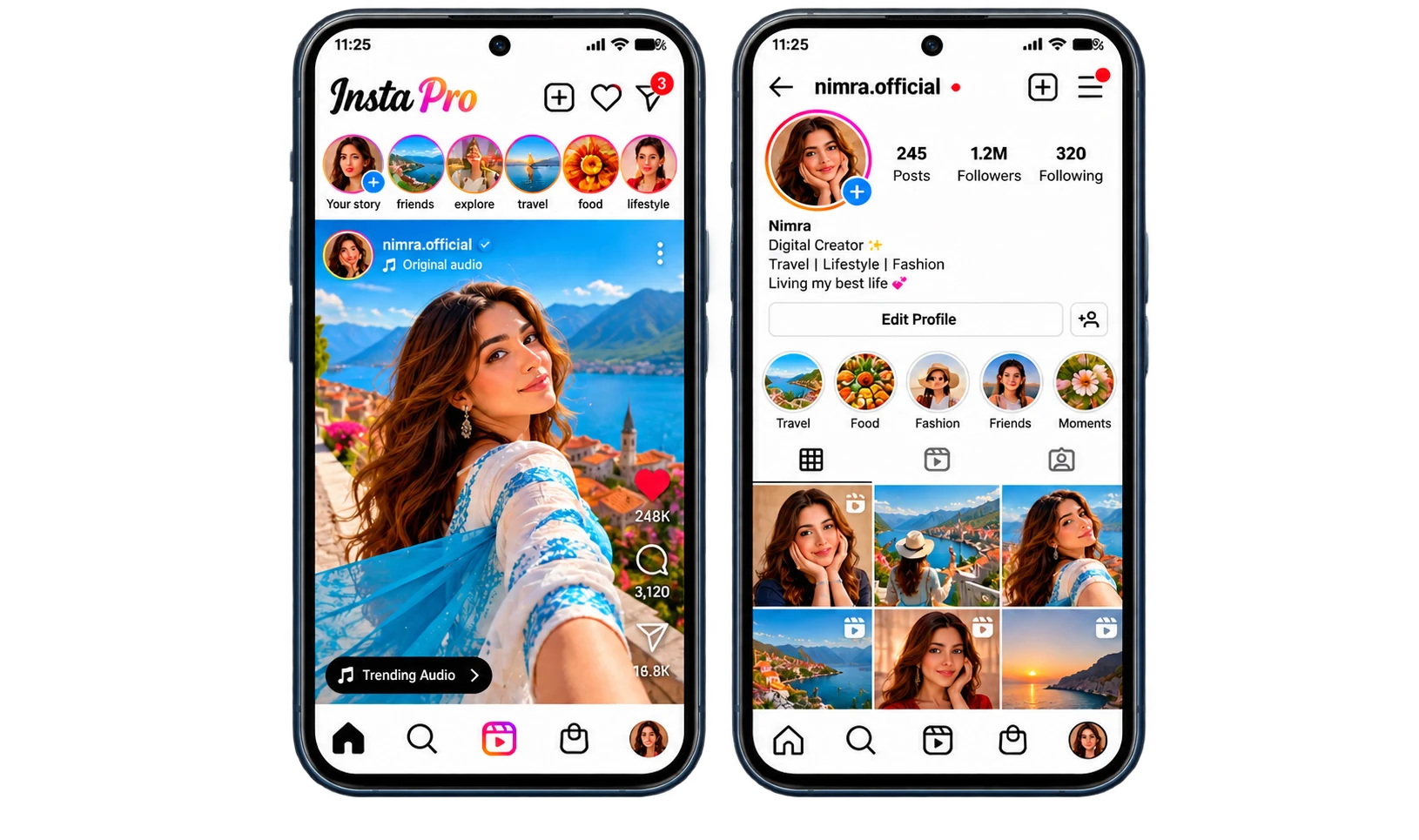
Explore Insta Pro App Interface
Discover Insta Pro’s sleek interface and powerful features.
FAQ
1
What is Insta Pro APK?
Insta Pro APK is a modified version of Instagram that offers additional features, including media downloads, privacy controls, custom themes, and font customization.
2
Is Insta Pro APK available for Android and Windows?
Insta Pro APK is designed for Android devices. Windows users may be able to run it through an Android emulator, while iPhone users cannot install the Android APK directly.
3
Can I download Instagram Reels and photos using Insta Pro?
Yes, Insta Pro offers built-in download options for supported Instagram photos, videos, and Reels. Available resolution options may vary depending on the app version.
4
Does Insta Pro APK offer privacy features?
Yes, Insta Pro includes features such as hiding online status, viewing stories without appearing in the seen list, and reading messages without sending read receipts. However, these features may not always work as expected.
5
Is Insta Pro APK safe to use?
Insta Pro is an unofficial, modified application, so its security cannot be guaranteed. Downloading APK files from unverified sources may expose your device or account to security risks. Use caution and avoid sharing sensitive login information.

What is Insta Pro APK?
Insta Pro is a mode version of the official Instagram application. Insta Pro app offers some extra and useful features other than original instagram. It offers some extra privacy features and app customization options. The app is more control oriented that lets users have more control over the app. The app has a simple and easy to use interface. It provides a smooth app experience on all devices.
Insta Pro app allows users to take a screenshot of the post, download reels and image or video in a post. Users can hide online status, copy comments on a post, and view status. Users also manage their follow and following with the help of Follower Track feature. Users can choose the download resolution. The app supports videos download and upload in higher resolutions. The app fonts and theme can also be customized. The app offers full control to the users.
Insta Pro System Requirements
Insta Pro APK is a standalone android installer file for Insta Pro App. It installs a modded version of the Instagram application. It is available for Android only but it can be installed on Windows using an Android emulator.
Android
| Name | Insta Pro APK |
| Version | V15.80 |
| RAM | 6 GB |
| Space Required | 140 MB |
| Hardware | Octa-core |
| Operating System | Android 5+ |
Windows
| Name | Insta Pro APK |
| Version | V15.80 |
| RAM | 8 GB |
| Space Required | 140 MB + Emulator space |
| Hardware | I5 - 5 Gen |
| Operating System | Win 10/11 |
Insta Pro Key Features
Easy User Interface
Insta Pro has a very simple user interface exactly like the official Instagram app. Users can easily navigate in the app. Users can scroll posts, watch reels, and view profiles exactly like instagram. The smooth tab shift makes the app experience more immersive.
Media Download
The official Instagram app does not allow users to download media. The Insta Pro app allows users to download images and videos from Instagram posts. Users can also download reels using built in buttons without using external tools. This helps users store media locally for re-watching or re-using in social media posts.
Video Resolution
The app allows users to download reels and videos in posts. For the download, the user can choose the resolution of the video. Users can download videos in higher quality as well as upload the videos in higher quality also. This helps users select custom video resolutions according to their needs.
Light Weight
The app is light weight. It runs smoothly on low-end devices meeting the minimum system requirements. Navigation through the app is quick. Users can smoothly scroll the post and watch reels without any lag.
Ghost Mode
Users can use the app without being traced. This app has ghost mode. When turned ON, it lets users view Instagram stories without being listed in the seen list. Users can read messages without sending a read tick, and hide the typing status when writing a message. Users can also watch live streams without being named in the viewers list.
Copy Text
Instagram does not let users copy any text from the app. Insta Pro app lets users copy the text from various sections. Users can read the Bio from other users' profiles. The app also allows you to copy the comments under a post., and the captions.
No Ads
The Insta Pro app is completely free. It comes with no ads. Users can use their Instagram account without being forced to watch annoying ads. Unlike the official app that shows an ad after a few reels, now users can watch reels with no ad. The zero ad model used by the app stands out this app from other free alternatives.
Custom Themes
The Insta Pro app can be completely customized. Users can try other colors for themes other than light and dark from the official app. The app allows you to set custom fonts for the app, change the layout, and try different icon styles. With this customization freedom, users can make the app look the way they want.
Follower Track
One of the most useful features of the app is tracking the followers. Users can track down which user has followed back and who did not. Users can even track which user has un-followed him. This helps users well maintain his follow and following lists. Users can remove unnecessary people from their circles.
App Lock
The app has a lock feature to keep the user account safe. Users can set a PIN for the app lock. When App Lock is turned on, the app asks for the secret PIN to allow the user to access the account. This feature adds an extra layer of security for the user account making Instapro a secure app.
Updates
The app is regularly updated by the developers to keep the app synced with the official Instagram app. This also makes the app fast and efficient. New updates also add new features in the app. An update notification informs me whenever a new update is sent. Users can also turn on auto update settings in the app.
Multiple Logins
Users can sign in multiple accounts in the app at a time. Users can switch between the accounts anytime they want. Multiple login/account support helps users login their more than one account and switch between them without logging out and again logging in with different accounts. This saves a lot of user time.
Data Saver
This app offers a built-in data save feature. It helps reduce the data usage while using the app. When data saver is enabled from settings, it reduces the data utilization. The data saved for later use. The app remains useful even with low data balance.
Creator Tools
Creator Tools are really helpful in growing the audience. Users can manage followers using these tools. Tools evaluate the post performance and the audience activity on the post. The insight provided by creators tools help in improving the future content.
Instagram vs Insta Pro
Most of the people think whether Instagram is best for them or they should switch to Insta Pro. It totally depends upon the way they want to use Instagram.
The official Instagram social app lets users read posts, share thoughts with friends, and make stories about current time. Users can watch content from talented creators and message friends.
Insta Pro is all that is offered by official Instagram plus some other useful features. Insta Pro offers extra privacy and useful features like downloading and theme customizing.
Both apps serve the main idea of Instagram. Insta Pro app just provides some more freedom and useful features.
Best about Insta Pro
-
Insta Pro has a clean and easy to understand interface.
-
It offers quality selection for videos when downloading or uploading.
-
It is totally free of cast including the extra features it provides.
-
Users can easily copy text from bios and comments.
-
It is ad free and removes ad interruption in reels.
-
Users can watch the instagram stories while remaining in the dark.
-
The app can hide the user's online badge.
Insta Pro Download and Installation Guide
Insta Pro is not available on stores like Play Store, App Store, and Microsoft Store. It requires a manual process to download the Insta Pro APK and install it. This app is not available for iPhone and Windows. Windows users can still use Android emulators to install the APK.
For a secure and trusted APK file, choose our site for downloading the APK. Else you can search “Insta Pro APK download” in your browser and select the site you trust. Click the download button on the home page. The download will start automatically.
Follow the steps below for further installation process.
Android
-
In android settings, turn ON “Allow Install from Unknown sources”.
-
Locate the downloaded Insta Pro APK and tap it to install.
-
Tap the “Install” button next, wait for installation to complete.
-
Find the installed app on the Home screen.
-
Open the app and enjoy uninterrupted reels.
Windows
-
Download and Install BlueStacks on your windows device.
-
Start BlueStacks, and open the preferred browser.
-
Search “Insta Pro Latest Version”.
-
Open instapro-apk.pro.in from the search results.
-
On the home page, tap the Download button to download the APK file.
-
In your Emulator phone, turn on “Allow Unknown Source” settings.
-
Go to your phone download folder on Emulator.
-
Install the APK file.
-
Open the installed app and enjoy.
Common Problems and Solution
Cannot Install app
Sometimes installation fails when you install an app on a system. That might be due to several issues. Your system might be falling below the minimum requirements for the APK. A corrupt APK file or the APK that has not been fully downloaded can give an install error. Also make sure that you have enabled the “Unknown Source” option in the settings.
Sign In Fails
Sometimes slow internet connection causes failed Sign In. Trying too much causes Instagram to limit your activity. Disconnect from your Wifi and turn ON cellular data, restart the application, and wait for some hours before trying again.
App Crash
Sometimes apps might crash due to various reasons. This usually happens with older app versions. The newer versions come with fixes for known bugs. So always use the latest Insta Pro APK.
Blocked Install
The android device blocks the app that has been modded and recompiled by an unknown source. So it is necessary to allow installation on devices from unknown sources. Make sure you have toggled ON the respective settings.
Advantages and Drawbacks
| ✓ Advantages | ✕ Drawbacks |
| Free access in some versions. | It is not an official Instagram application. |
| Additional customization options. | It is not officially distributed through major app stores. |
| Media downloads in certain versions. | Unverified APKs may create security risks. |
| Additional privacy settings in some releases. | Manual updates can be inconvenient. |
| Follower-management tools in certain versions. | Features may stop working or behave inconsistently. |
Similar Apps
Instagram is a social media app. It allows users to share videos and photos, watch reels, and message their friends. Users can follow other people to remain updated with each other's stories. The seller can create official pages for online stores. Users can also create AI content.
Instander
Instander is another mode application based on Instagram. It offers extra features for users without changing the original Instagram experience. It allows users to download images and videos from posts and reels. It lets users download and upload videos in higher qualities that official Instagram does not allow normally.
Insta Pro 2
It is another version of Insta Pro with some new features. It has been designed according to the modern Instagram app. Its user interface is similar to modern Instagram app versions rather than older ones. It offers privacy, download options, follow checker, and custom themes.
Honista
Honista is also a modded version of the Instagram app. It is a very easy to use app. It offers the same features as the above apps provide. It gives some more privacy features than other similar apps provide. The app works smoothly on all devices.
Conclusion
Insta Pro is a mod application for the official Instagram app. It offers media download features and privacy options. Users can view stories, read and type messages without being observed. It also allows complete app customizing. Putting everything together, Insta Pro App is a good option for the user who needs extra privacy for their social matters. If you also want privacy while using Instagram or need a custom app theme, then go ahead and download the Insta Pro app.