
Insta Pro 3 APK Download Latest Version for Android 2026

Security Verified
Insta Pro 3 ♕
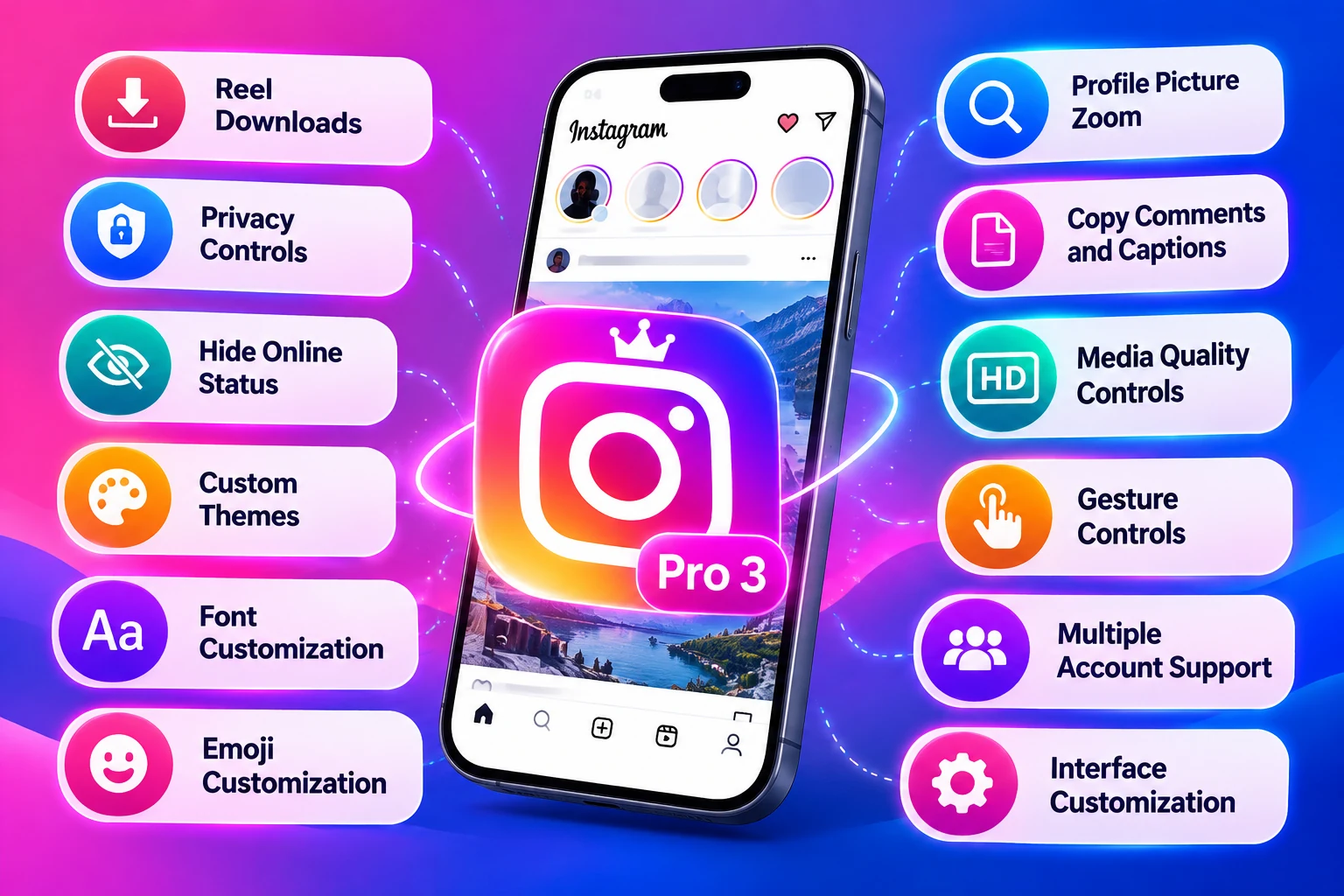
Insta Pro 3 APK is an unofficial modified version of Instagram that advertises additional features for Android users. These may include media downloading options, privacy controls, custom themes, font settings, and other interface enhancements. Available features may vary depending on the version.
Insta Pro 3 is designed for users who want more flexibility while browsing and interacting on Instagram. Depending on the version, it may include extra tools for managing media, adjusting the interface, and customizing selected settings. Before downloading, check the app details and understand the risks associated with unofficial applications.
Insta Pro 3 APK Information
| App Name | Insta Pro 3 |
| Version | Latest |
| Base Version | 397.0.0.46.81 |
| File Size | 168 MB |
| Developer | Sam Mods |
| Category | Social Media |
| Operating System | Android |
| Price | Free, according to the supplied listing |
Note: Verify the version, file size, and developer information against the actual APK before publishing.
Key Features of Insta Pro 3 ♕
Reel Downloads
Some versions advertise options for saving supported Instagram Reels to a device. This can help users revisit videos later without repeatedly searching for the original post. Always respect copyright and obtain permission before redistributing other people’s content.
Additional Privacy Controls
Certain releases may provide extra settings related to online activity, message status, typing indicators, or Story viewing. These options can offer additional flexibility, but they do not guarantee complete privacy or anonymity.
Hide Online Status
The hide online status feature may help users limit the visibility of their activity indicator. Its availability and behavior depend on the installed version. Users should not assume that all activity becomes invisible when this setting is enabled.
Custom Themes
Theme customization may allow users to change selected colors and visual elements of the application. These options can provide an alternative to Instagram’s standard appearance, depending on the features supported by the release.
Font Customization
Some versions advertise additional font styles for supported interface elements. This feature is mainly visual and may help users personalize menus, conversations, and other areas of the app.
Emoji Customization
Emoji customization may change how selected emojis appear in supported areas. It adds a cosmetic personalization option for users who prefer a different visual style while messaging or browsing.
Profile Picture Zoom
Certain releases may offer tools for viewing supported profile pictures at a larger size. This can make image details easier to inspect, although the feature may not work consistently across all versions.
Copy Comments and Captions
Some modified clients advertise options for copying captions, comments, and other visible text. This can be useful for personal reference or language learning. Always respect the original creator’s rights when reusing copied material.
Media Quality Controls
Depending on the build, additional media settings may be available for supported viewing or saving functions. Quality options and their results can vary by device, version, and platform restrictions.
Gesture Controls
Gesture controls may provide alternative ways to interact with photos, Reels, and other interface elements. Their availability depends on the specific release, so check the version details before relying on a particular gesture.
Multiple Account Support
Instagram supports multiple accounts, and some modified clients also advertise account-switching options. This can be useful for people managing personal and professional profiles. However, signing in through unofficial software may introduce additional account security risks.
Interface Customization
Some releases offer extra controls for adjusting the appearance and behavior of selected interface elements. These settings may appeal to users who prefer a more personalized experience than the standard Instagram design.
How to Download Insta Pro 3 APK
Before downloading Insta Pro 3 APK, review the source and verify the file details. Since it is an unofficial application, its safety cannot be established simply by a website’s security badge.
- Visit the website hosting the Insta Pro 3 APK.
- Open the download section and review the available file details.
- Tap the download button to download the APK file.
- Wait until the download is complete.
- Open File Manager and locate the downloaded file.
- Scan the APK using a reputable security tool before installation.
- Continue only if you trust the source and understand the risks of using unofficial software.
How to Install Insta Pro 3 on Android
If you choose to install the application, follow these general steps:
- Open File Manager on your Android phone.
- Navigate to the Downloads folder.
- Tap the Insta Pro 3 APK file.
- If Android requests permission to install apps from that source, review the request carefully.
- Allow installation from that source only if you have verified and trust it.
- Follow the on-screen instructions to complete installation.
- Open the app and review its permissions before use.
Installation menus may differ between Android devices. Avoid granting unnecessary permissions or entering sensitive credentials into an application you cannot trust.
Insta Pro 3 APK Pros and Cons
Pros
- May provide additional media-saving options.
- Offers extra privacy-related settings in some versions.
- Includes custom themes and font options.
- Provides additional interface customization.
- May include extra gesture and text-copying tools.
Cons
- It is not an official Instagram application.
- Security and privacy protections may be uncertain.
- Some features may stop working after platform updates.
- Compatibility and update support can vary.
- Using unofficial clients may introduce account-related risks.
Is Insta Pro 3 APK Safe?
The safety of Insta Pro 3 depends on the specific APK file and its source. Modified applications may not receive the same security checks, updates, or support as the official Instagram app. A security badge on a download page does not independently prove that a file is safe.
Before installing, verify the source, scan the file with a reputable security tool, and review requested permissions. Avoid sharing sensitive login details with untrusted software. If account security is your priority, the official Instagram application is the safer choice.
Insta Pro 3 vs Official Instagram
The official Instagram application is developed and supported by Instagram, with updates distributed through official channels. Insta Pro 3 is an unofficial modification that advertises additional customization and convenience features.
Although modified versions may offer extra settings, their reliability and security are not guaranteed. The official application is generally preferable for users who prioritize dependable updates, account protection, and official support.
Frequently Asked Questions
Does Insta Pro 3 work on iPhone?
Insta Pro 3 APK is an Android package file and cannot be installed directly on an iPhone. iPhone users can access Instagram through the official Apple App Store application.
Can I use my Instagram account with Insta Pro 3?
Some modified clients may support Instagram account sign-in, but compatibility and security risks can vary. Using unofficial software may expose account credentials, so the official app is the safer option.
Is Insta Pro 3 available on the Google Play Store?
Insta Pro 3 is described as an unofficial modified application rather than an official Instagram release. Be cautious when downloading APK files from third-party websites.
Can Insta Pro 3 download Instagram Reels?
Some releases advertise Reel-saving options. Availability depends on the installed version, and users should respect copyright and applicable permissions.
Does Insta Pro 3 guarantee privacy?
No. Extra privacy settings do not guarantee complete anonymity or prevent all activity from being detected. Their behavior may vary between releases and platform updates.
Can I customize themes and fonts in Insta Pro 3?
Some versions advertise theme and font customization. The exact options depend on the particular build, so verify the feature list before downloading.
Conclusion
Insta Pro 3 APK is an unofficial modified Instagram client that advertises extra media-saving options, privacy controls, theme customization, font settings, and other interface features. The exact functionality may differ between releases, and not every advertised feature is guaranteed to work.
Before installing the app, verify the APK details and consider potential security, privacy, compatibility, and account risks. Users who prefer official updates and dependable support should consider using the standard Instagram application.